Java standardized the documentation process so everyone follows the same convention when documenting their code. You can easily read the required documentation instead of scratching your head on other people’s documentation.
Javadoc is created using a JDK javadoc tool. The tool converts the documentation to fresh, standard and easy HTML page.No hassle!
Example
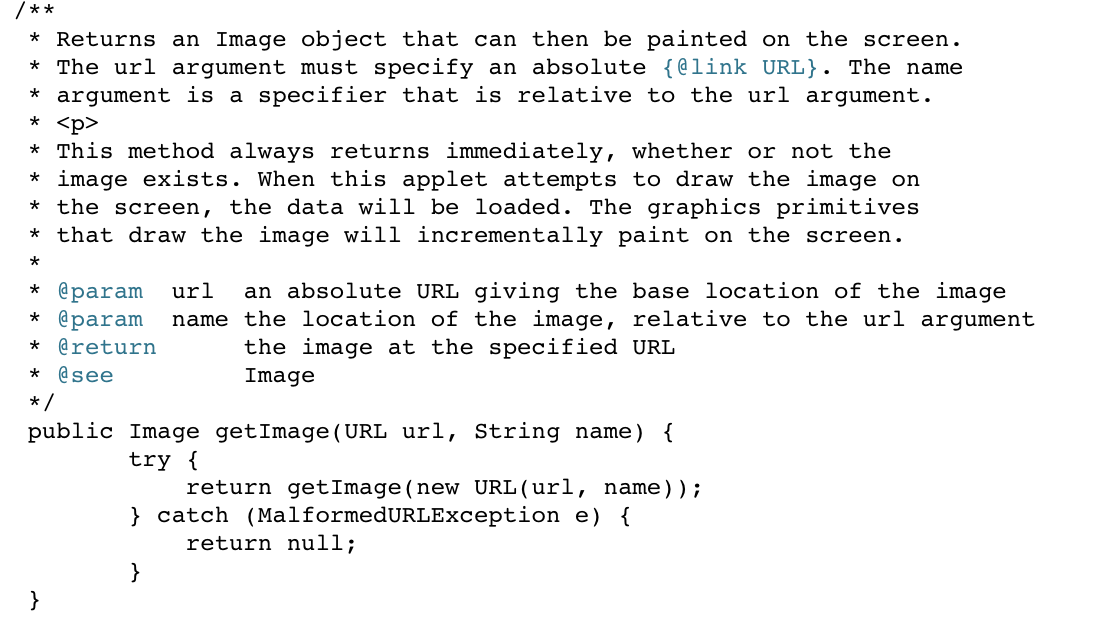
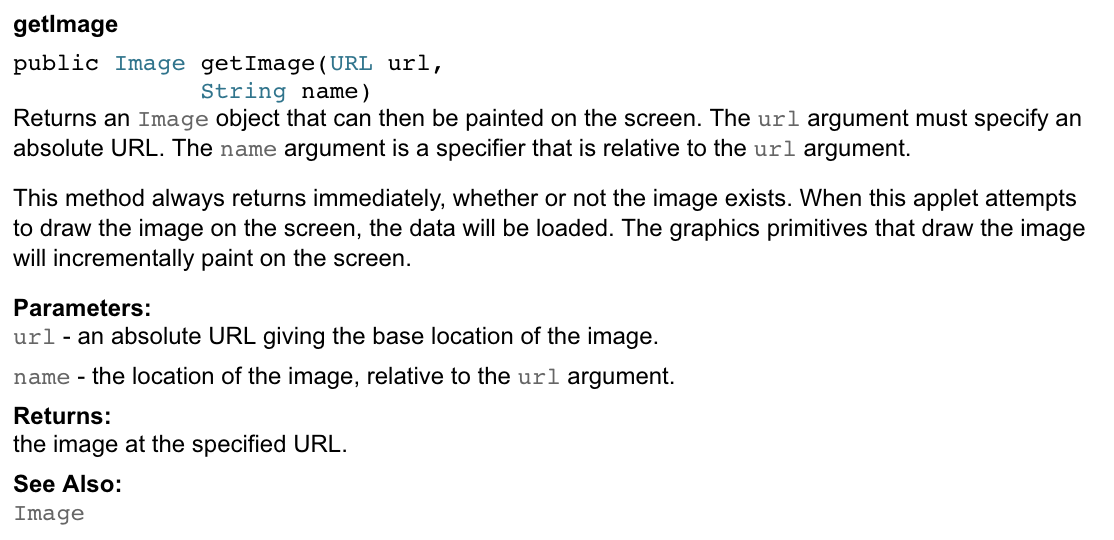
Order of tags in javadoc:
@author– @author name-text@version– @version version-text@param– @param parameter-name description@return– @return description@exception– @exception class-name description@see– @see reference@since– @since release@serial– @serial field-description | include | exclude@deprecated@param parameter-name description
How to execute a Javadoc?
You just have to type javadoc <filename>.java
then go to the index.html file to see your doc
Layman’s Terms: You’re technically making someone else do all the work for you by them commands.
References: https://www.tutorialspoint.com/java/java_documentation.htm
https://www.oracle.com/technetwork/java/javase/documentation/index-137868.html#format
 Tech Waves